























Solutions

Who is it for?

See all supported industries and use cases.

No credit card required.

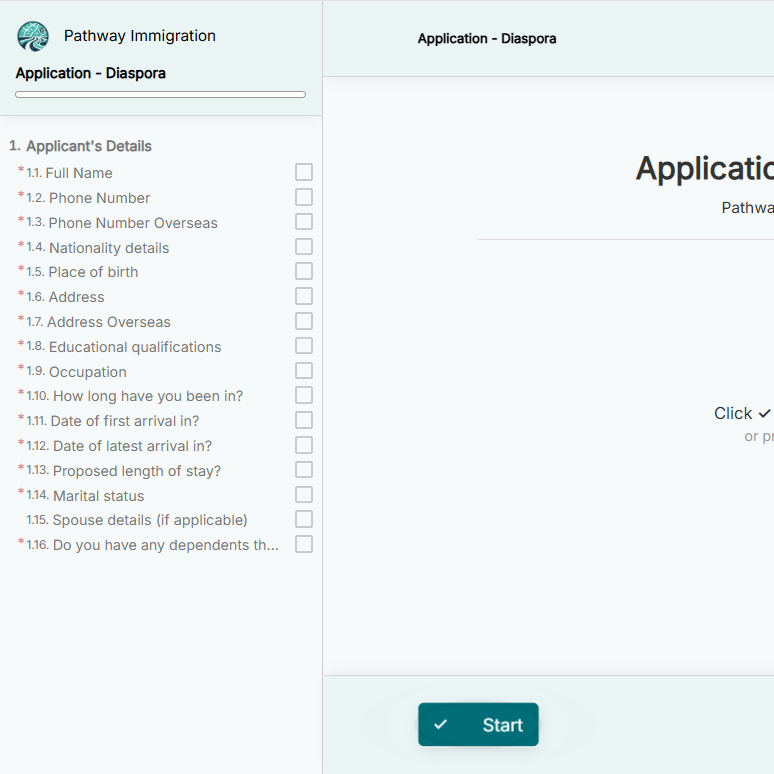
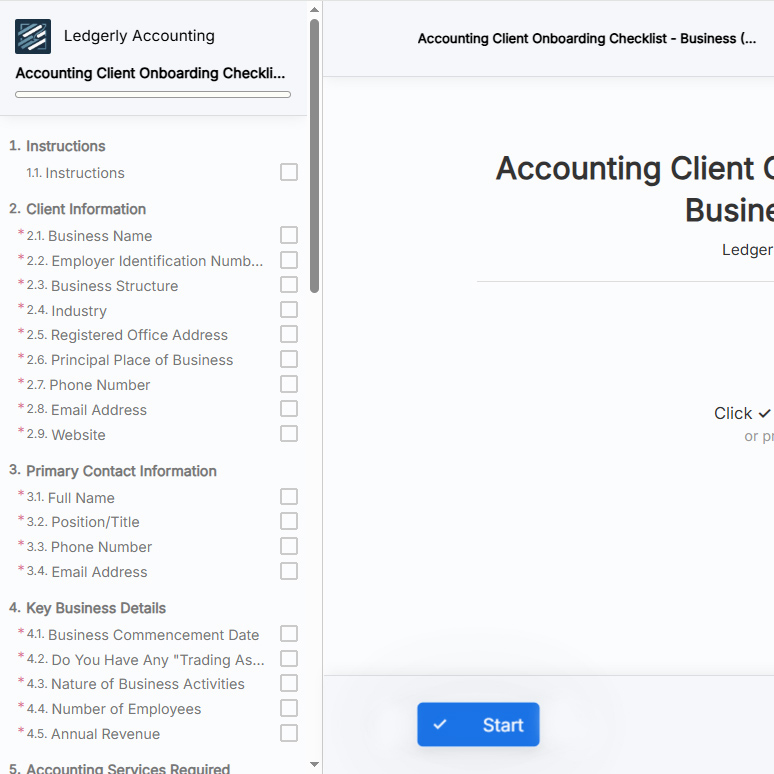
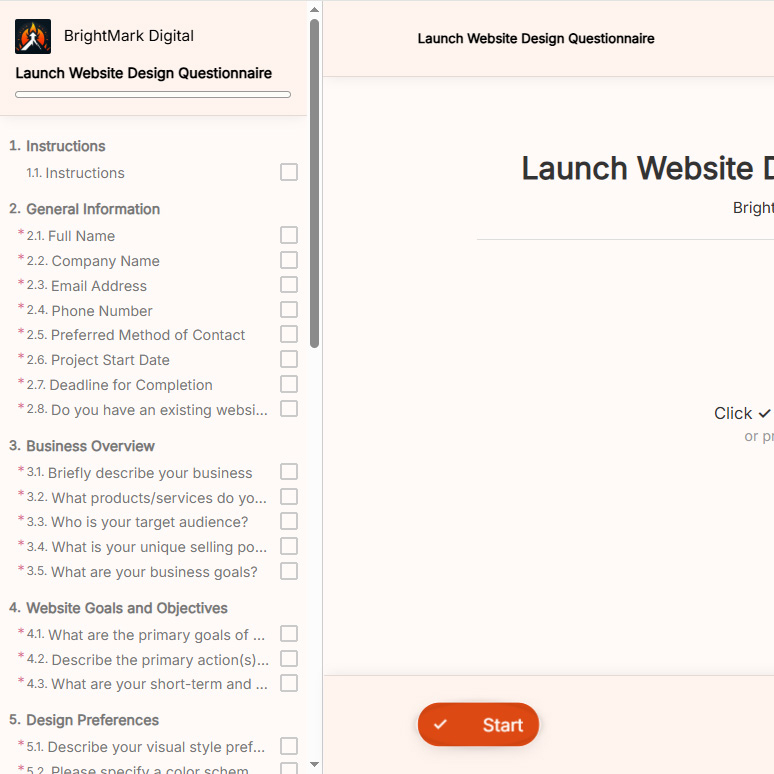
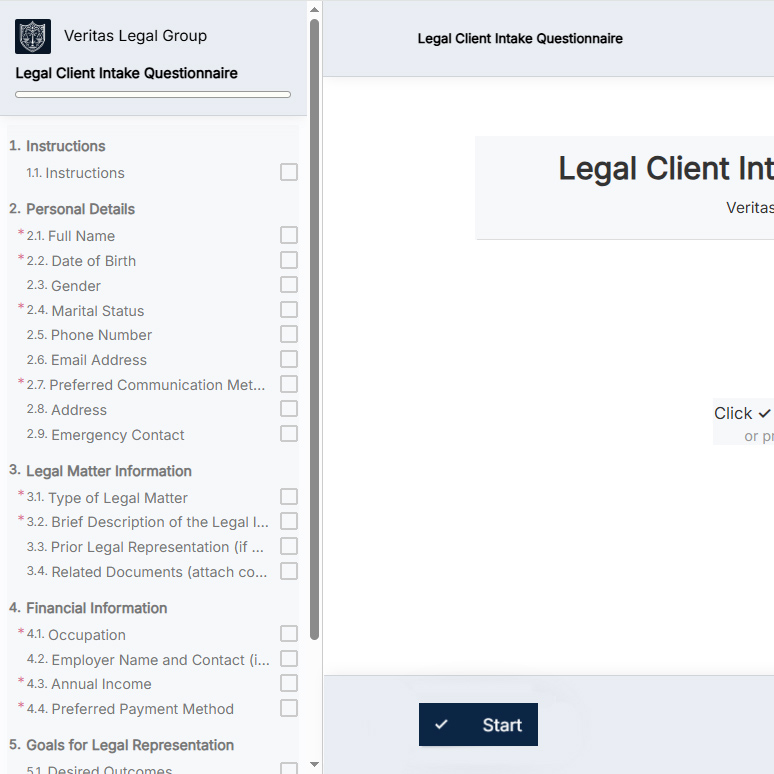
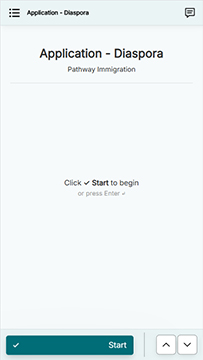
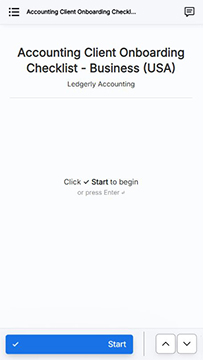
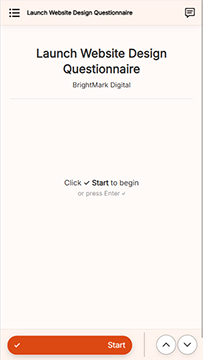
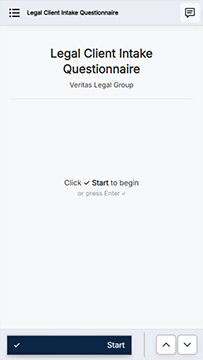
Example branding 1 Example branding 2 Example branding 3 Example branding 4
Example brand setting 1 Example brand setting 2 Example brand setting 3 Example brand setting 4

Automate document collection: Spend 71% less time gathering info.

Collect information without hassle.

Reduce admin
work.

Fix the bottleneck. Get more billable hours back every week.

Multi-channel and
multi-lingual.

Engage clients in their language, across all channels.

Branded client
experience.

Deliver a professional experience with every touchpoint on-brand.

Responsive client
experience.

Clients can complete submissions seamlessly from any device.

Roles-based
access.

Define your team roles and control how data is accessed.

Secure and
private.

Encrypted end-to-end and completely private by design.

Set up simple client portals.

Provide your clients with a seamless way to upload files and share information.

Client portals

⭐⭐⭐⭐⭐


"We use OkaySend to securely share and receive documents across our team and partner clinics and it's been a major time saver."

Dr. William Gray at St. Louis South Oral Surgery

Dr. William Gray, DMD, MD, MBA, F.A.C.S.

St. Louis South Oral Surgery

Your questions and concerns.

Have more questions?

Go to the Help Center

Or write to us at help@okaysend.com. We'll get back to you promptly.

Anything. You can collect PDFs, images, spreadsheets, IDs, tax documents, contracts, certificates, supporting documentation, videos, and virtually any other file type.

OkaySend is industry-agnostic and can be used by any business that needs to collect documents, forms, files, or information from clients.

What kinds of documents can I collect?

We do not access any customer data as a strict matter of policy. All data is encrypted in transit and at rest. Every action is tracked in an audit log, and only you and your authorized team members can access submitted documents unless you intentionally share them.

How secure is my data and my clients’ documents?

Yes. You can customize your portal appearance, send white-labeled emails, and host portals on your own business domain for a professional, consistent experience (e.g. you@yourcompany.com, portal.company.com/link, etc.).

Can I customize requests for different services?

Yes. Clients can upload documents, fill forms, and sign electronically through secure links without having to login or signup.

Can my clients use OkaySend without creating accounts?

Absolutely. Portals are intentionally simple, mobile-friendly, and designed to reduce confusion so clients finish tasks quickly.

We care deeply about client experience and are constantly making enhancements to our portals.

Will my clients find the portals easy to use?

Yes. You can connect to popular apps to automate workflows, sync data, and export documents without extra steps.

Does OkaySend integrate with the tools I already use?

Yes. OkaySend includes built-in e-signatures with audit logs, templates, and advanced electronic signature support. No extra tools needed.

Can I send e-signature requests through OkaySend?

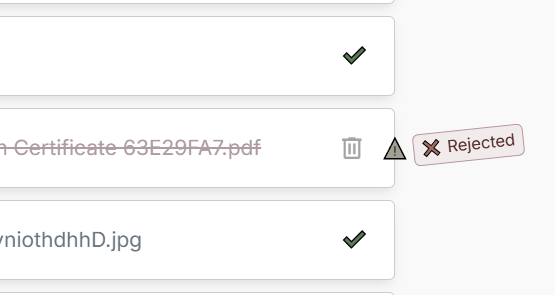
You can easily approve, reject individual files without affecting the rest of the submission, or leave a clarifying comment. This helps you track any changes and keeps everything organized in one place and easy to follow.

What if a client uploads the wrong file?

Yes. While email works for occasional document requests, it quickly becomes difficult to manage as volume grows. Attachments get buried in inboxes, clients miss requests, and tracking what's still outstanding often requires manual follow-up.

OkaySend provides a dedicated client portal where clients can securely upload documents, complete forms, and see exactly what's still required. Automatic reminders, progress tracking, and a centralized workspace help reduce back-and-forth and keep everything organized in one place.

Is OkaySend a good alternative to email for collecting documents?

Not at all. Everything in OkaySend is designed to be simple, guided, and beginner-friendly.

Do I need technical skills to set everything up?

Not a problem. OkaySend supports global users and ensures your experience works across regions.

What if I have international clients?