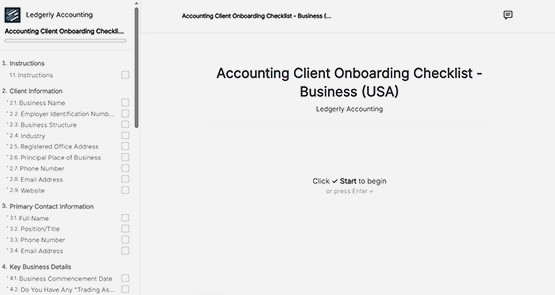
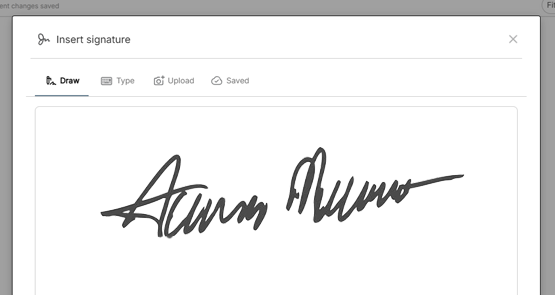
A client portal is a secure, branded space where your clients can view requests, upload documents, and submit responses. Each portal is private and unique to a specific client.
Request Editor
Request Editor
Request documents faster than you thought possible. Our editor makes it a breeze.
No credit card required • 14-day free trial
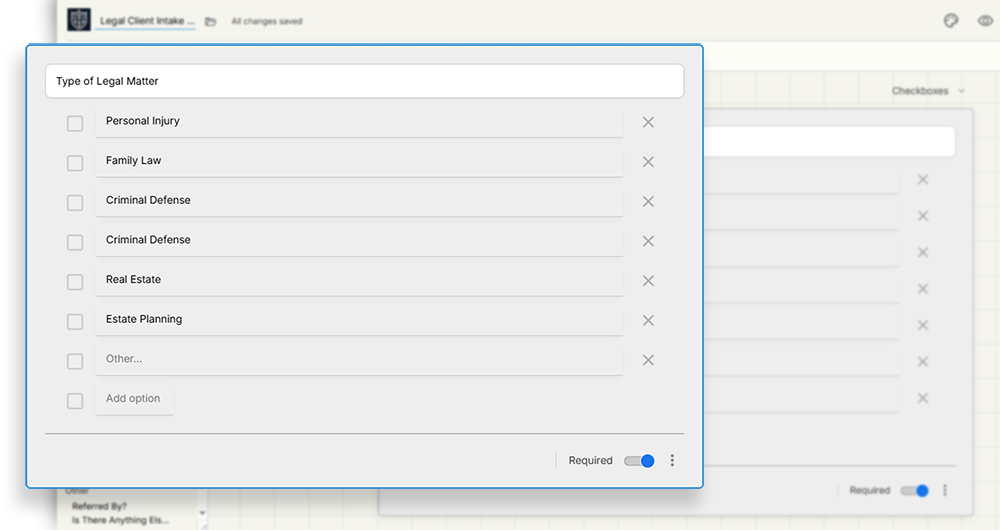
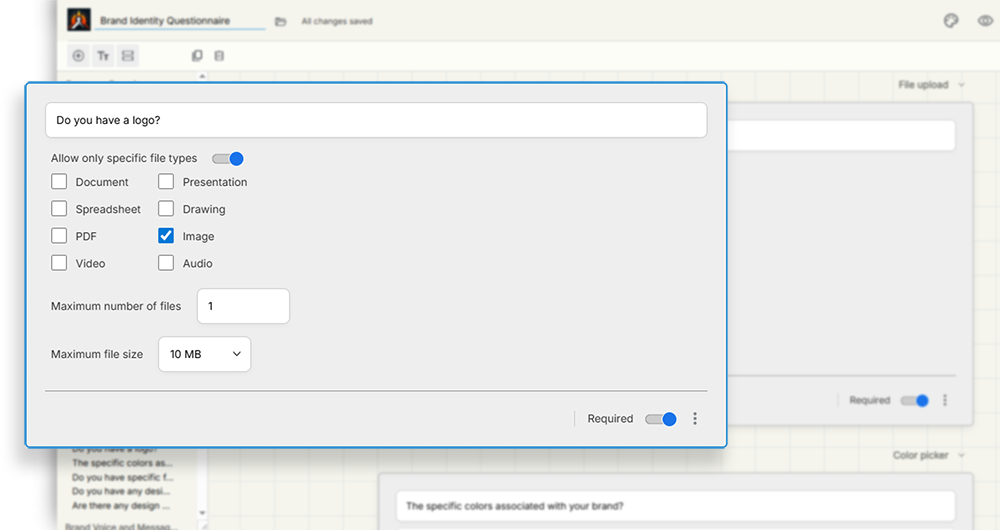
Collect with ease.
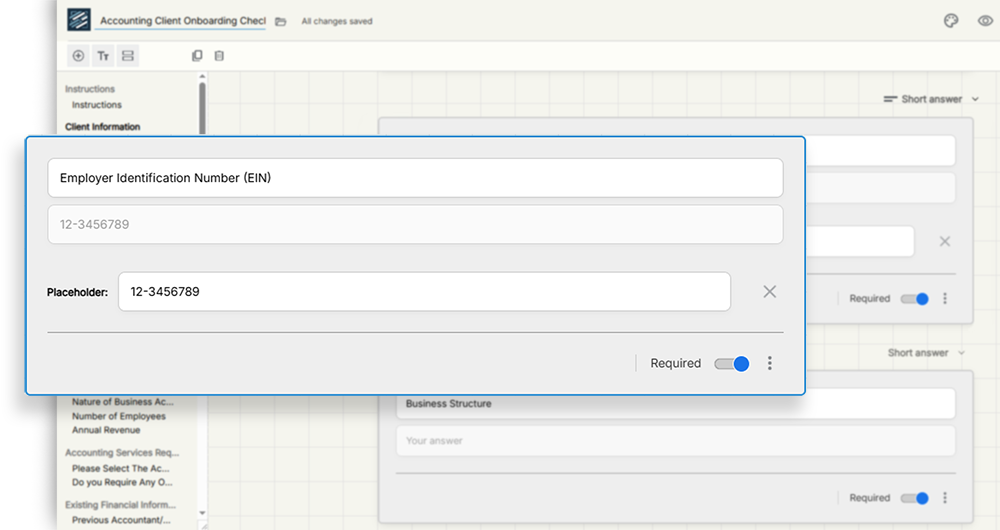
Send document requests quickly and easily with our drag-and-drop editor. Collect anything from form responses to files.
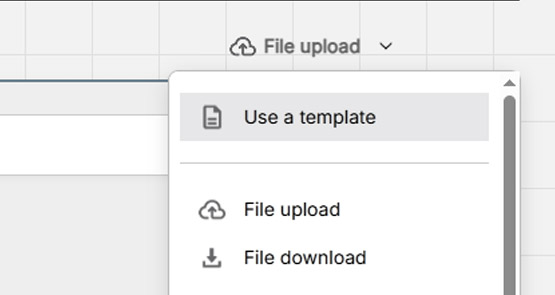
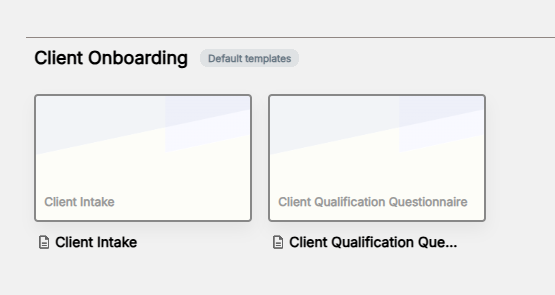
Start with a template.
Save and reuse questions, full sections, or entire requests.
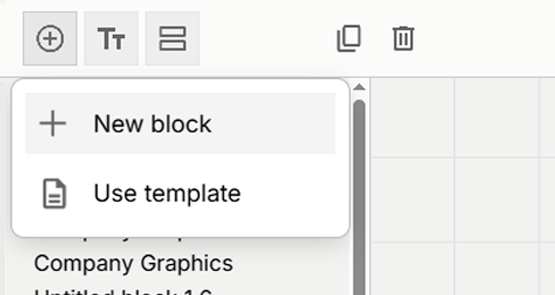
Drag, drop, and edit.
A no-code, drag-and-drop builder that’s intuitive by default.
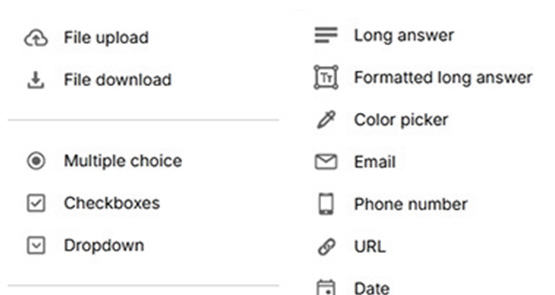
More than file uploads.
There’s a question type for every kind of information you need.
Trusted by businesses like yours
















⭐⭐⭐⭐⭐
"I would absolutely recommend this as a content portal or a way to collect information from anyone"

Racheal Graham
Green House Creative
Collect anything.
Not just file uploads. There’s a question type for every kind of information you need, from basic details to complex inputs.

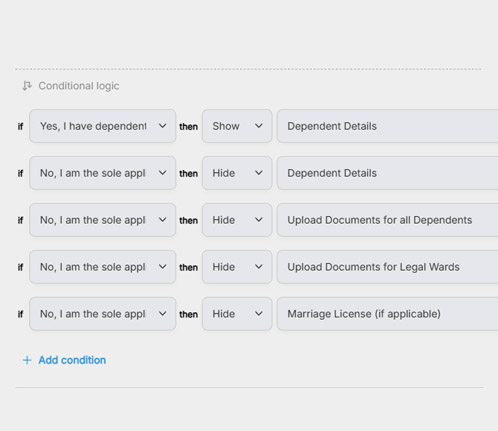
Conditional logic.
Show or hide sections based on client responses, so they only see what’s relevant.
Input validation.
Set rules like word limits, selection limits, file sizes, and file types to get the right information the first time.

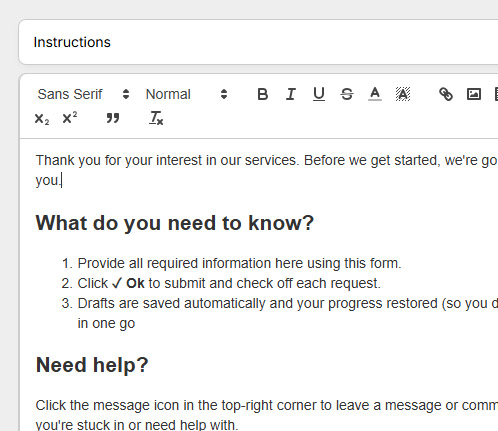
Leave instructions.
Add clear steps to any question or section. Include text, images, or videos so clients know exactly what to provide.
Pre-fill answers.
If you already have some of the information, pre-fill answers to save time. Clients can quickly confirm or edit instead of starting from scratch.
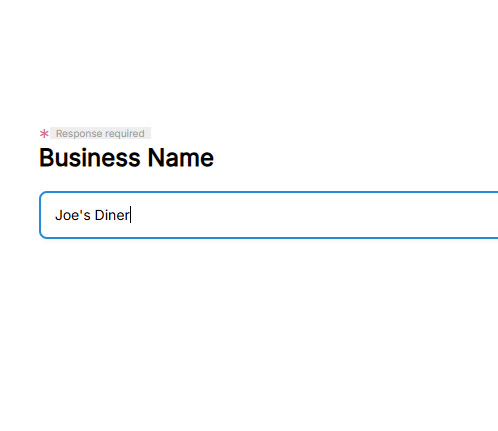
Add multiple clients.
Add and send requests to multiple clients simultaneously to cut admin time in half.
Everything your business needs.
All the features you need to accelerate workflows and keep your clients happy.
What else is included?
 add field button to
choose from a template or add a blank Block (or field).
add field button to
choose from a template or add a blank Block (or field). add section
button to choose from a template or add an empty Section to begin.
add section
button to choose from a template or add an empty Section to begin.