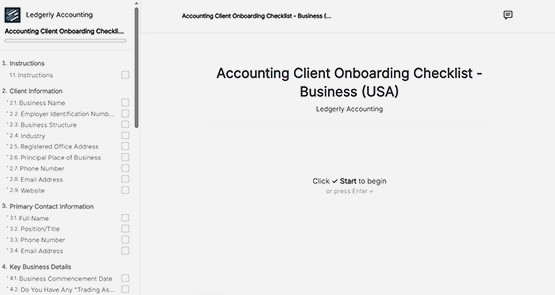
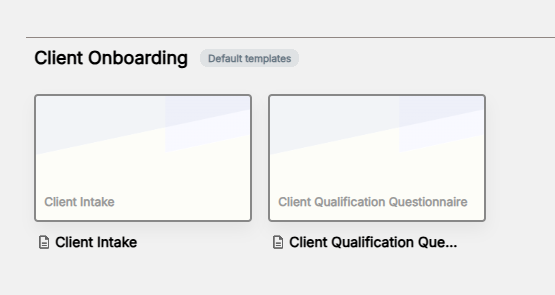
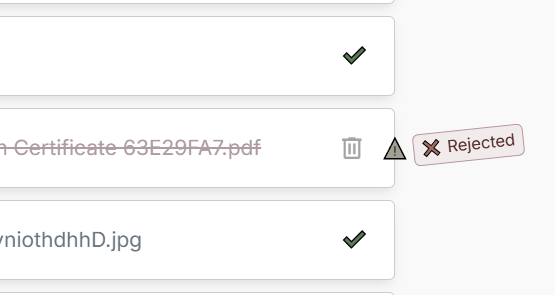
The Dashboard gives you a real-time overview of all your requests, responses, and uploaded files so you always know what’s pending, completed, or needs attention.
Dashboard
Track your documents.
Stay on top of every request without chasing clients.
No credit card required • 14-day free trial
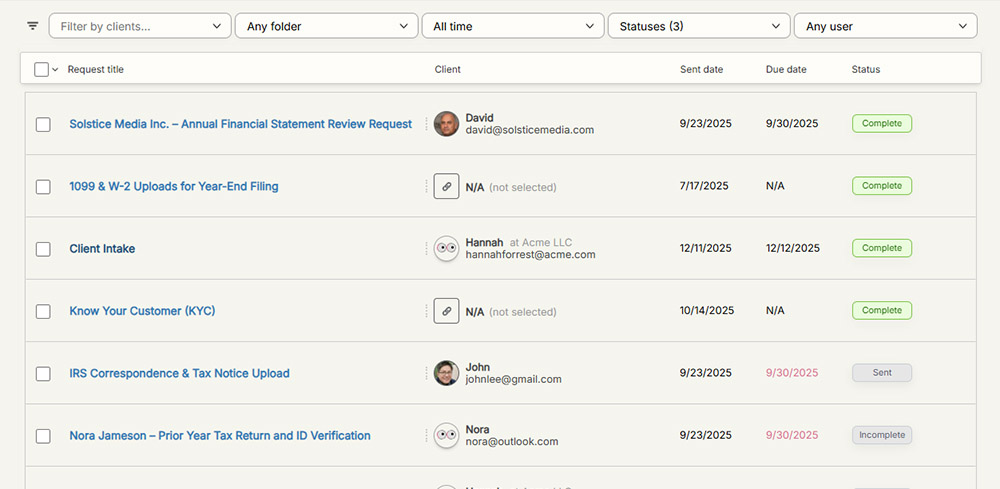
Track document progress.
Everything you need to track requests, responses, and uploads in one place.
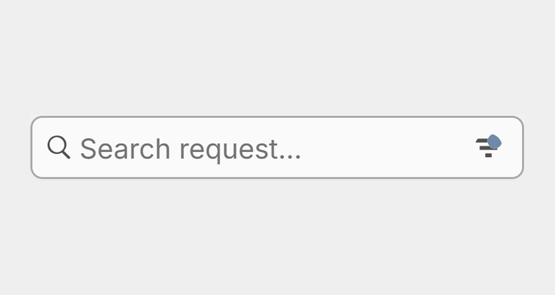
Search and filter.
Find the right documents instantly with our lightning fast search and customizable filters.
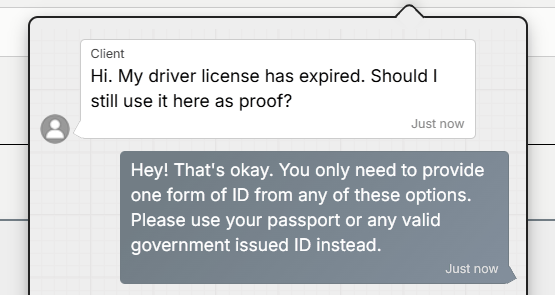
Leave a comment.
Answer your client's questions, reply to comments, and provide clarifications without losing context.
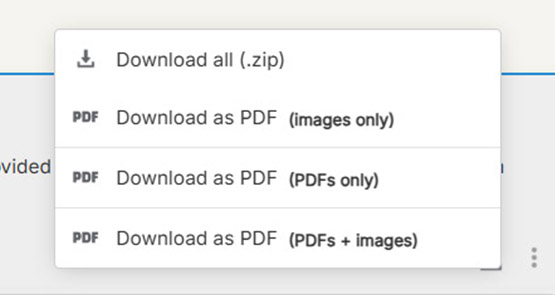
Export responses.
Download or export responses directly to your cloud storage.
Trusted by businesses like yours














⭐⭐⭐⭐⭐
"I would absolutely recommend this as a content portal or a way to collect information from anyone"

Racheal Graham
Green House Creative

Document tracking.
Get real-time updates and notifications on every document request, so you always know what's pending and what's complete.
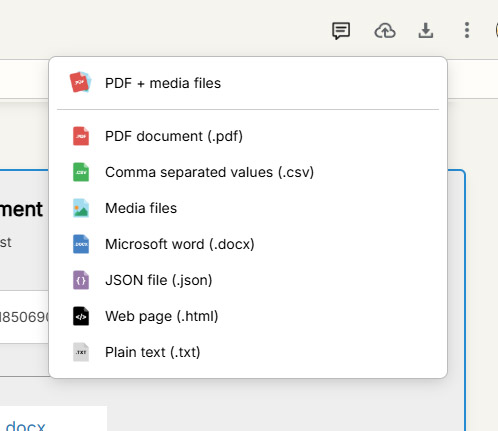
Download.
Get all client answers and files in one package. Export to Word, PDF, CSV, and more.
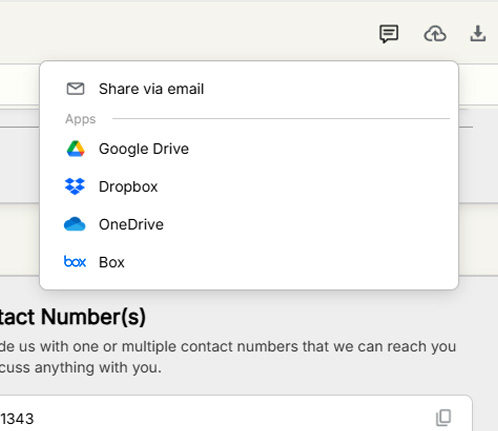
Sync to cloud.
Connect your cloud storage to automatically upload and organize collected documents and files.
Export to other Apps.
Send data from OkaySend to CRMs, project management tools, and your favorite apps using Make, Zapier, or webhooks.


Add comments.
Keep conversations in context. Respond to questions, reply to comments, and provide clarifications directly within the request.
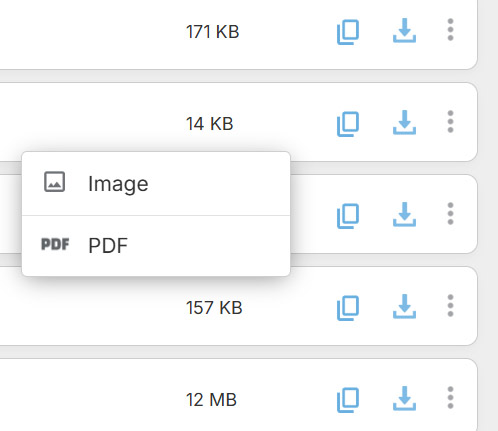
Basic conversions.
Convert images to PDF documents on the fly, so everything stays consistent and easy to work with.
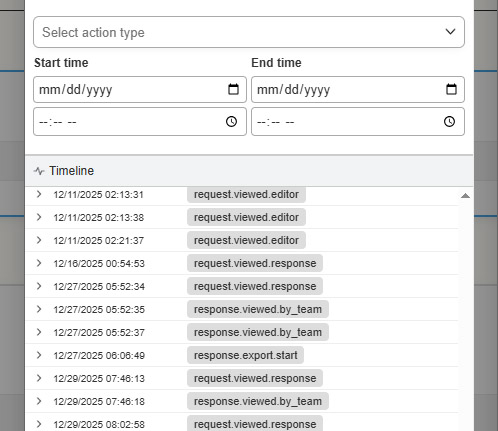
Audit trails.
Access a detailed audit trail that logs every action with precise timestamps, ensuring full traceability and compliance.
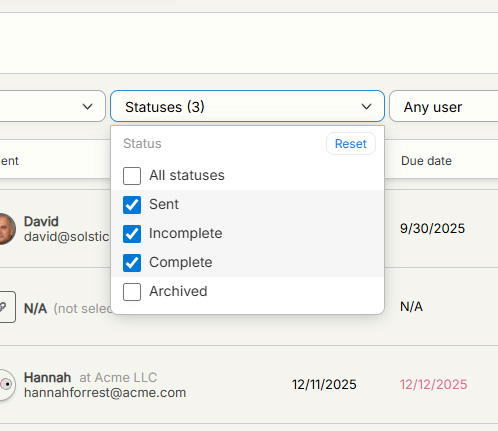
Search and filter.
Find the right documents instantly with lightning-fast search and customizable filters.
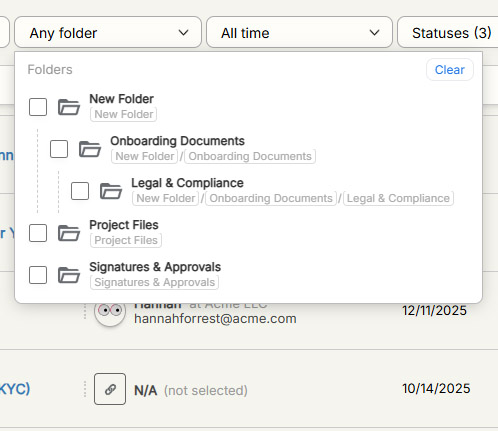
Keep everything organized.
Create a custom folder structure that keeps all your documents organized and easily accessible.
Team management.
Manage users effortlessly and assign custom roles to control who can view, edit, or share your documents.


Review submissions.
Review responses with ease. Approve instantly or ask for corrections when something needs fixing.
Everything your business needs.
All the features you need to accelerate workflows and keep your clients happy.
What else is included?
